From Save the Date to final RSVP
Your wedding website,
beautifully done.
Your Save the Date, wedding invitation, details and RSVPs, including meal choices and dietary requirements, on one private wedding website. Send each by WhatsApp, text or email, when the time is right.
See everything we offerFree to build and preview. £19 once when you’re ready to publish.
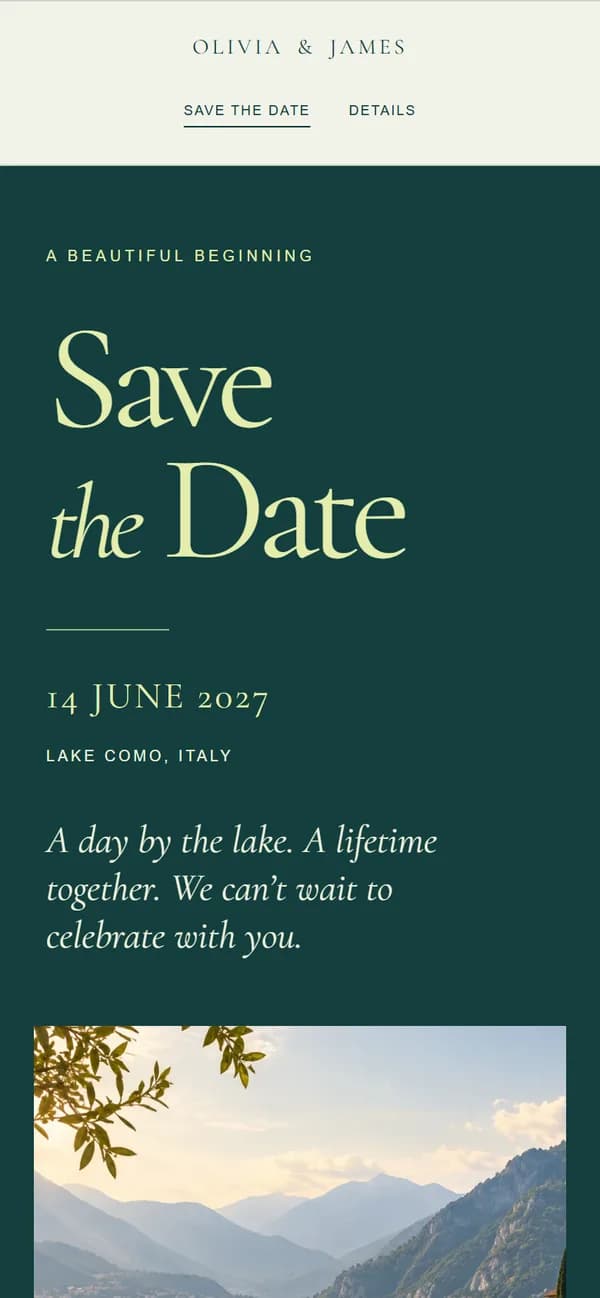
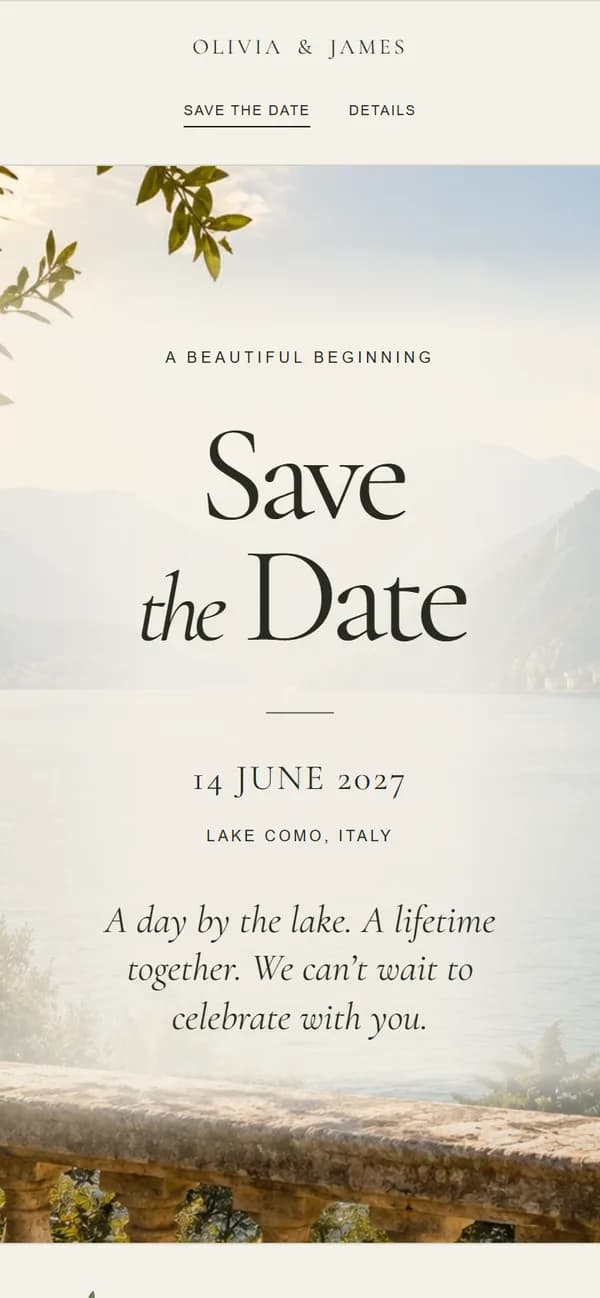
Made for your
kind of forever.
TWELVE STYLES. ALL YOU.
Find your kind of beautiful.
Twelve wedding website designs, each with a matching Save the Date, Invitation, Details and RSVP. Every design carries through from your first announcement to your final guest responses.
Modern Minimal
Calm sage, warm paper and timeless typography.
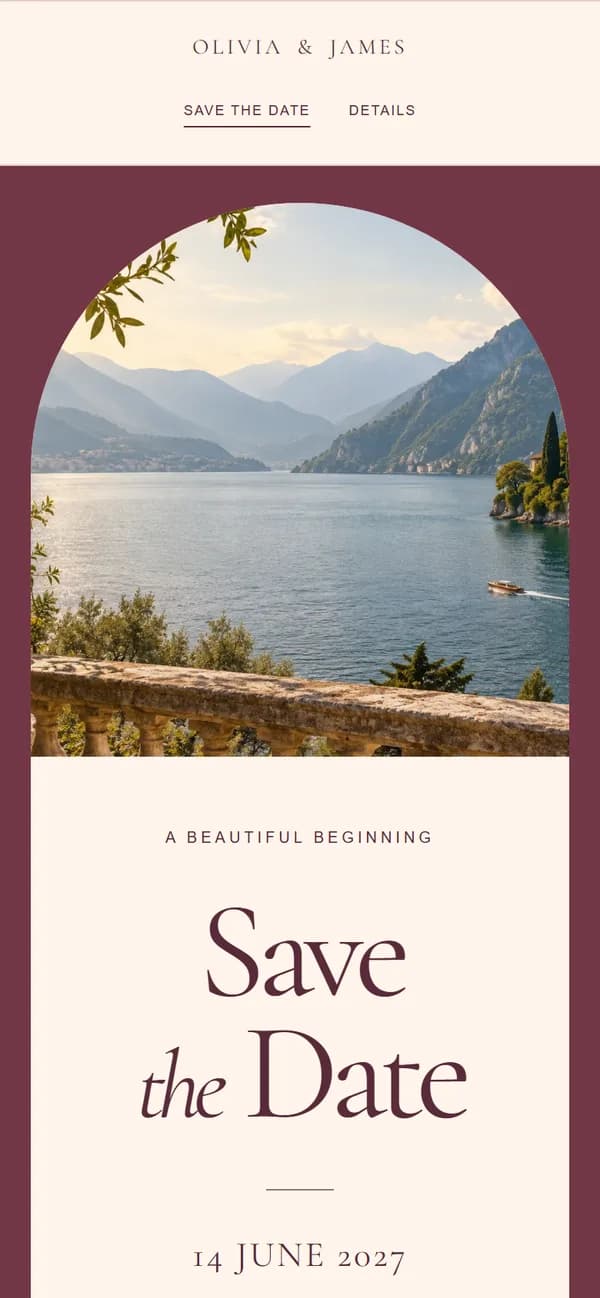
Warm & Romantic
Soft cream, muted rose and intimate photography.
Modern & Bold
Deep teal, strong photography and editorial type.
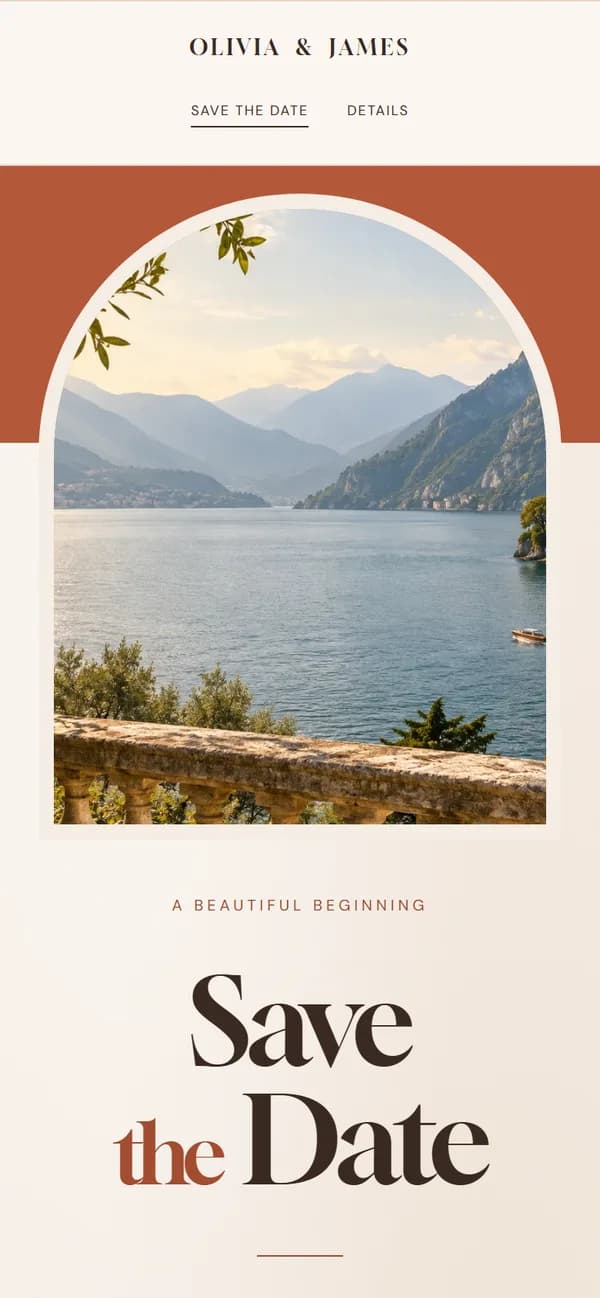
Terracotta
Sun-baked clay, olive branches and linen.
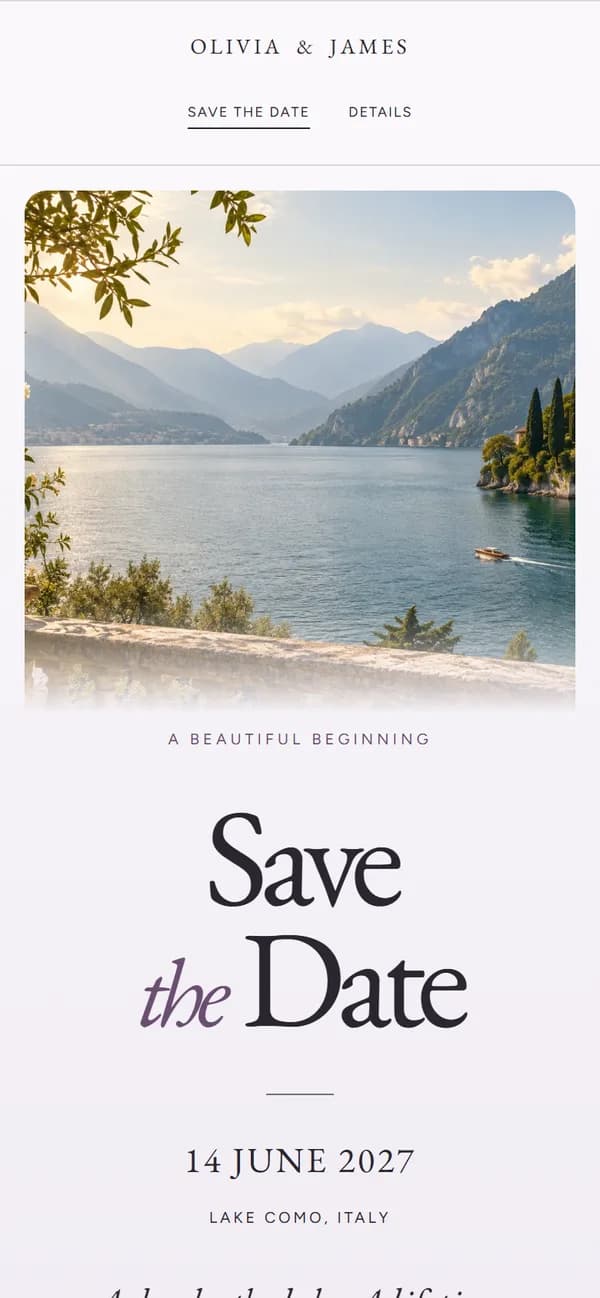
Heather
Misty lilac, moorland heather and slate.
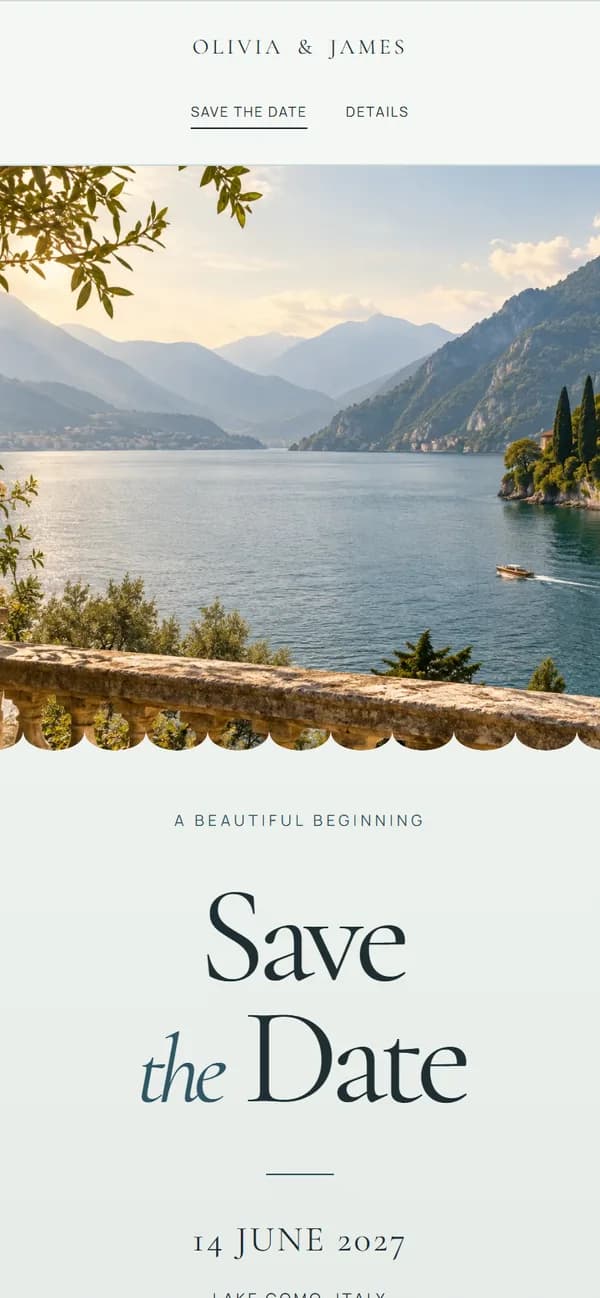
Coastal
Sea glass, driftwood and sea holly.
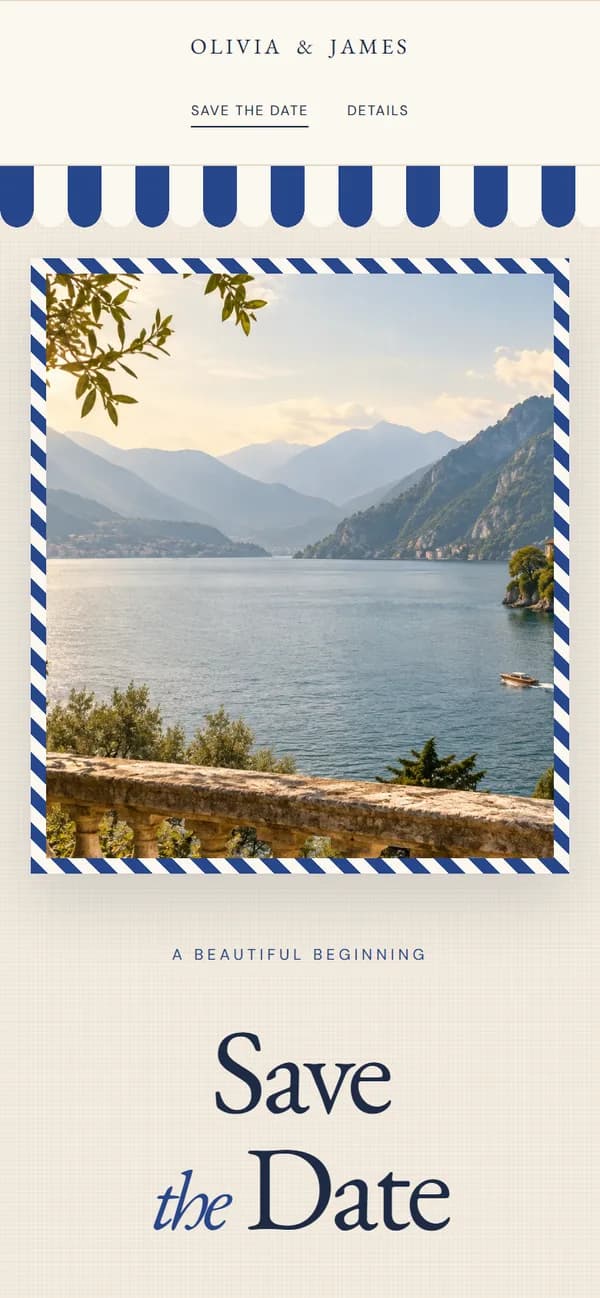
Riviera
Linen, Riviera blue stripes and lemons.
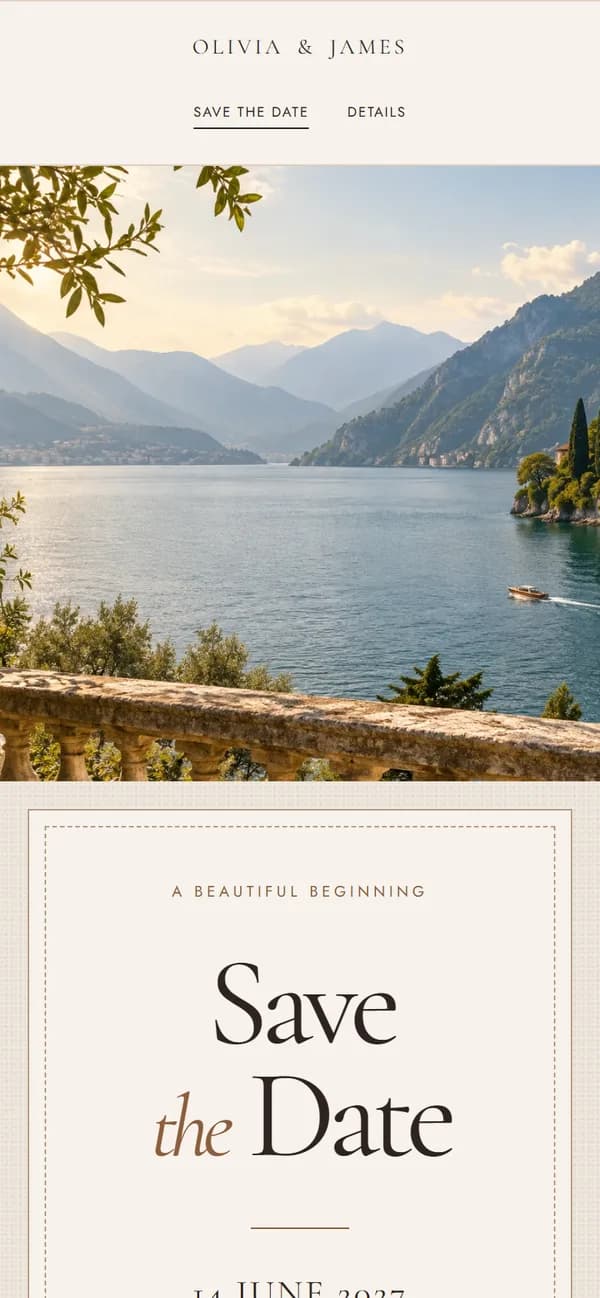
Alcantara
Soft suede, cognac and deep espresso.
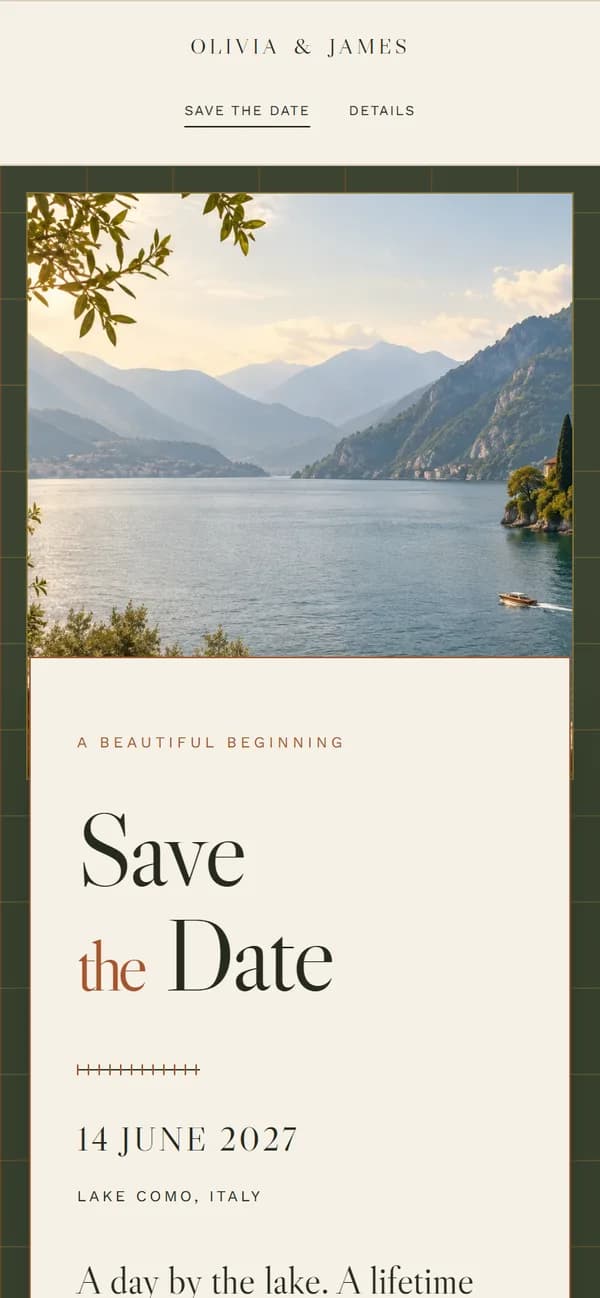
Countryside
Oatmeal tweed, loden green and bracken.
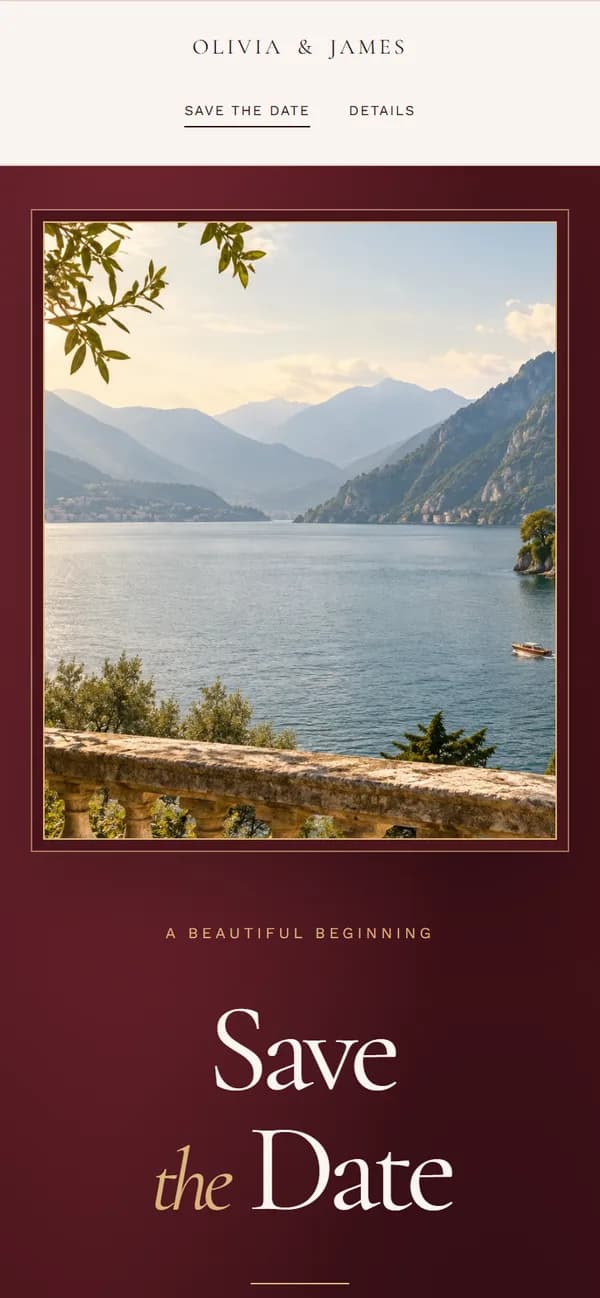
Velvet
Claret velvet, blush paper and gold ribbon.
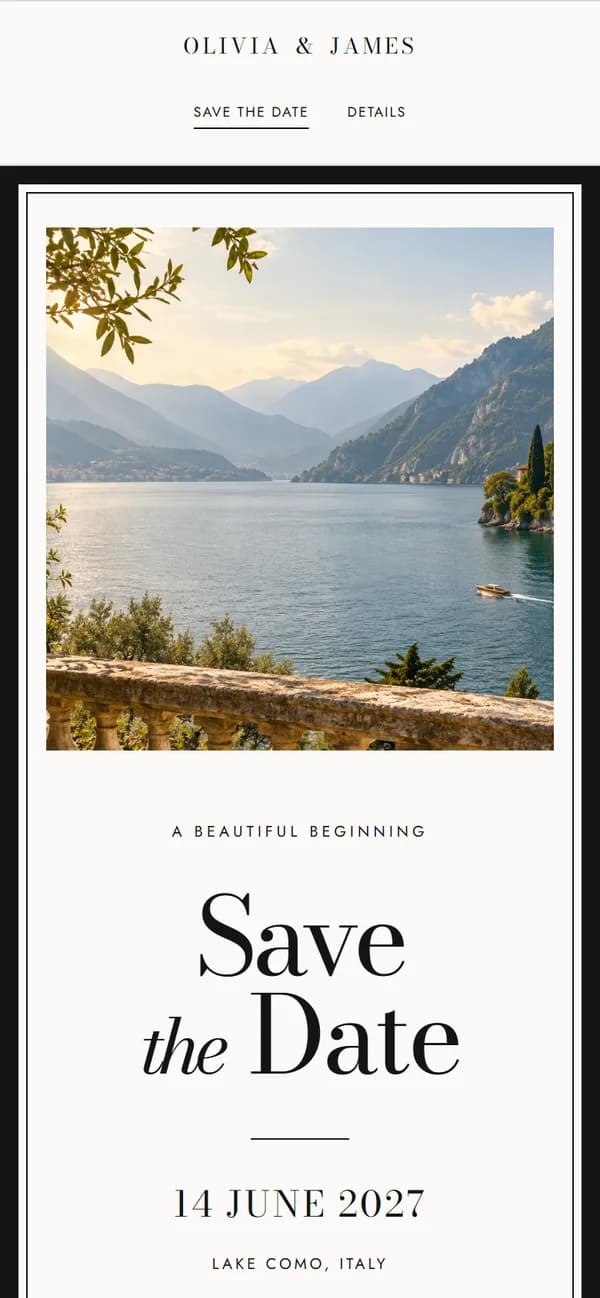
Black Tie
Black grosgrain, ivory letterpress and orchids.
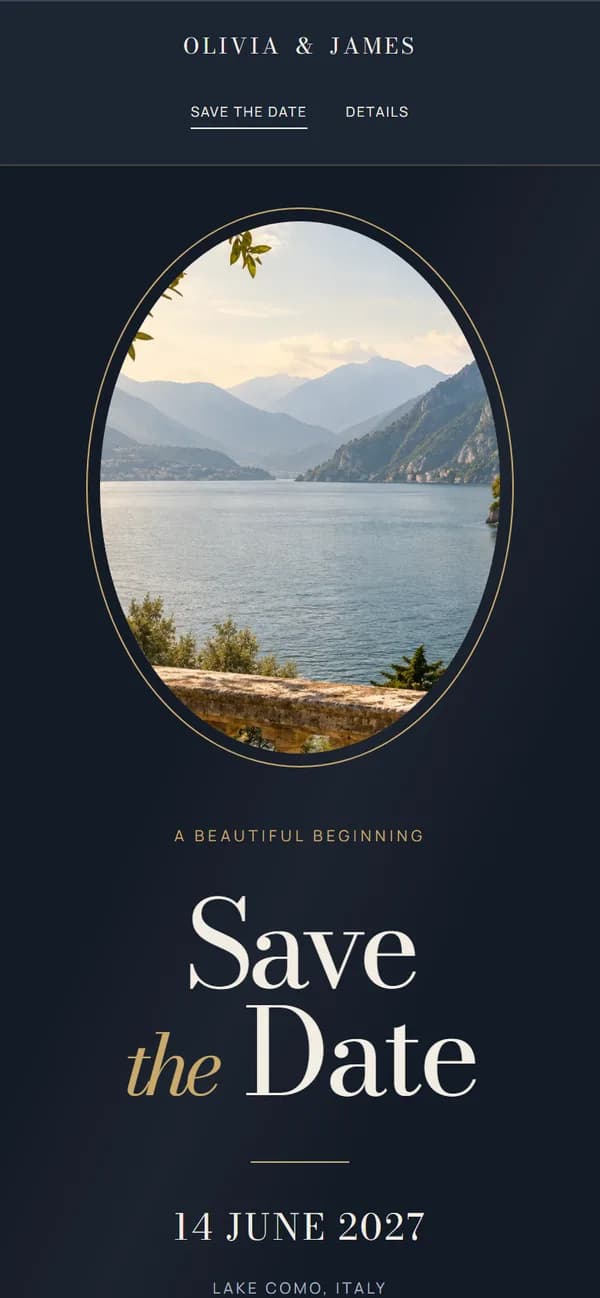
Evening Gold
Midnight navy, candlelight and champagne.
Examples feature fictional names and wedding details.
FROM SAVE THE DATE TO RSVP
Everything your guests need, in one place.
- 01
Make it yours
Choose your design, add your names, wedding date and a favourite photo. Preview everything as you build.
- 02
Tell them everything
Word your invitation, then add ceremony and reception times, travel, where to stay, dress code and answers to the questions guests always ask.
- 03
Collect your RSVPs
Guests reply online, choose their meal and tell you about dietary requirements. Every response is kept privately for you.
- 04
Publish and share
Pay £19 once, then send your Save the Date by WhatsApp, text or email. When you’re ready, your Invitation goes on its own link. Change anything later and guests see the latest.
MADE FOR WEDDINGS, NOT WEBSITE BUILDING
One website. Your whole wedding.
No layouts to design and nothing to configure. Start with your Save the Date, then switch on your invitation, wedding details and RSVP as your plans come together. Your guests always know where to look.
Save the Date
Announce your day beautifully, as soon as the date is set.
Invitation & details
Your own wording, then times, venues, travel and everything guests need to know.
RSVP & meal choices
Attendance, meal selections and dietary requirements, collected in one place.
GUEST RSVPS, MEALS & DIETARY NEEDS
RSVPs without the spreadsheet chaos.
Guests confirm whether they’re coming, choose their starter, main and dessert, and tell you about dietary requirements, all online and without creating an account. Every reply lands privately in your account.
- Attendance totals, updated as replies arrive
- Meal numbers ready to send to your caterer
- Vegetarian, vegan, gluten-free and other needs, counted for you
- Only you can see the responses
86 attending
12 not attending
Main course
- Roast sirloin of beef
- 41
- Pan-roasted hake with lemon butter
- 29
- Wild mushroom risotto
- 16
Food preferences
- Vegetarian
- 11
- Vegan
- 3
- Gluten-free
- 4
EVERYTHING YOU NEED. ONE SIMPLE PRICE.
Your whole wedding website.
£19 GBP · one time
Build and preview for free. Pay once when you’re ready to publish. No subscription.
- All twelve wedding website designs, with a photo of your choice
- Save the Date and wedding invitation
- Wedding details: times, venues, travel, where to stay and FAQs
- Online RSVPs with meal choices
- Dietary requirements collected with each RSVP
- Private links for your Save the Date and Invitation
- Private RSVP replies, attendance totals and catering numbers
- Guest list import and table planner
- Published until six months after your wedding date*
*Based on the wedding date at checkout. Your expiry date is fixed when you start checkout.
THE LITTLE DETAILS
Wedding website questions, answered.
What is a digital save the date?
A save the date you send as a link instead of a card. Yours opens with your names, date and photo, and when you’re ready, your wedding website adds your invitation, wedding details and RSVP. More about digital save the dates
Can we try it before paying?
Yes. Create an account, save your details and preview all twelve designs for free. The one-off £19 payment is required before you publish. There’s no subscription.
We’ve already sent our save the dates. Is this still for us?
Yes. Switch on your Invitation, Details and RSVP, and send your Invitation on its own link. Guests don’t need to have seen a Save the Date from us first.
Can we still send printed invitations?
Yes. Every page apart from your Save the Date is optional. If you’re posting printed invitations, leave the Invitation page off and use your Save the Date link for the Save the Date, Details and RSVP. Or switch the Invitation on when you’re ready to invite everyone digitally, and send its own link.
How do guests RSVP?
Send your RSVP link by WhatsApp, text or email, or let guests reply from your Invitation (or your Save the Date, if you don’t use the Invitation). Each guest opens RSVP on their phone or computer and enters their name and answer, without creating an account. Only you can see the responses.
Can guests choose their meal and tell us about dietary requirements?
Yes. Add your menu in your account and switch on meal choices, and attending guests choose one option for each course you offer: starter, main and dessert. Every attending guest can also tell you if they’re vegetarian, vegan, gluten-free or have another food preference. Your account totals the numbers for your caterer.
Can we plan our seating too?
Yes. Paste your guest list from a spreadsheet or upload a CSV, then seat everyone on a table plan with round, long, square and top tables. It’s private to you and prints with an A–Z “Find your seat” list for your venue. Try the table plan
When should we send our save the dates?
Many couples send them six to twelve months before the wedding, and earlier for a destination wedding or a popular date. You can publish once your names, date and location are saved and you’ve paid, then add or change the details later. Save the date wording and send dates
Who can see our website?
Your draft is private. Once published, anyone with one of your guest links can view the pages it opens. Wedding pages are marked not to appear in search results; this does not make them password-protected. Responses are visible only in your account.
Can we make changes after publishing?
Yes. Update your invitation, details, photo or design and saved changes appear on your published site. You can unpublish at any time. Your guest links stay the same unless you choose to replace one.
What happens after the wedding?
Your site stays published until six months after your wedding date. After that, your guest links stop opening it.